Numbers nobody trusts
Analytics, the ads account and the case-management system all disagree.
How we give a small law firm a clear answer to “where do our clients come from?”, so it can spend on what works and stop what doesn’t.
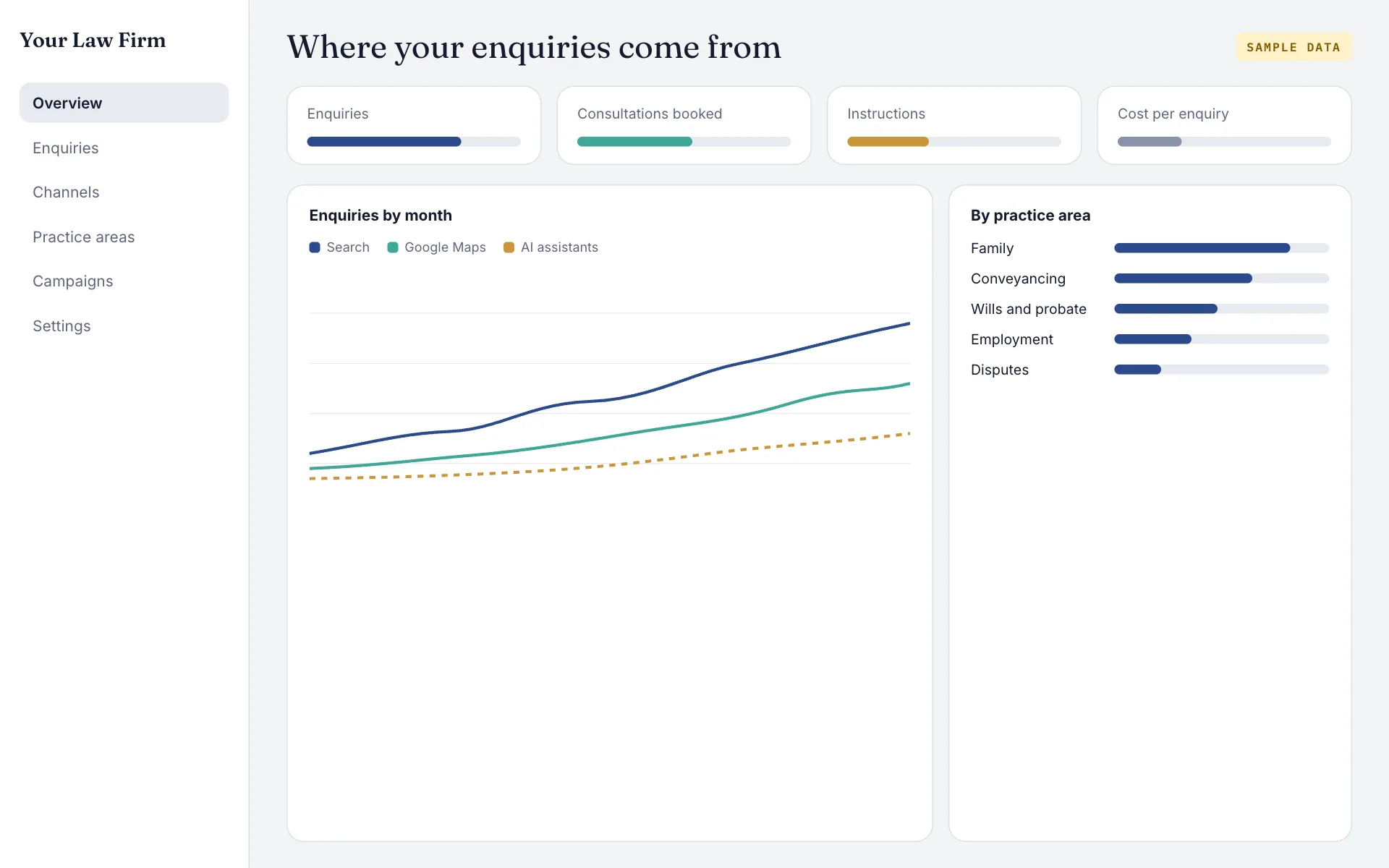
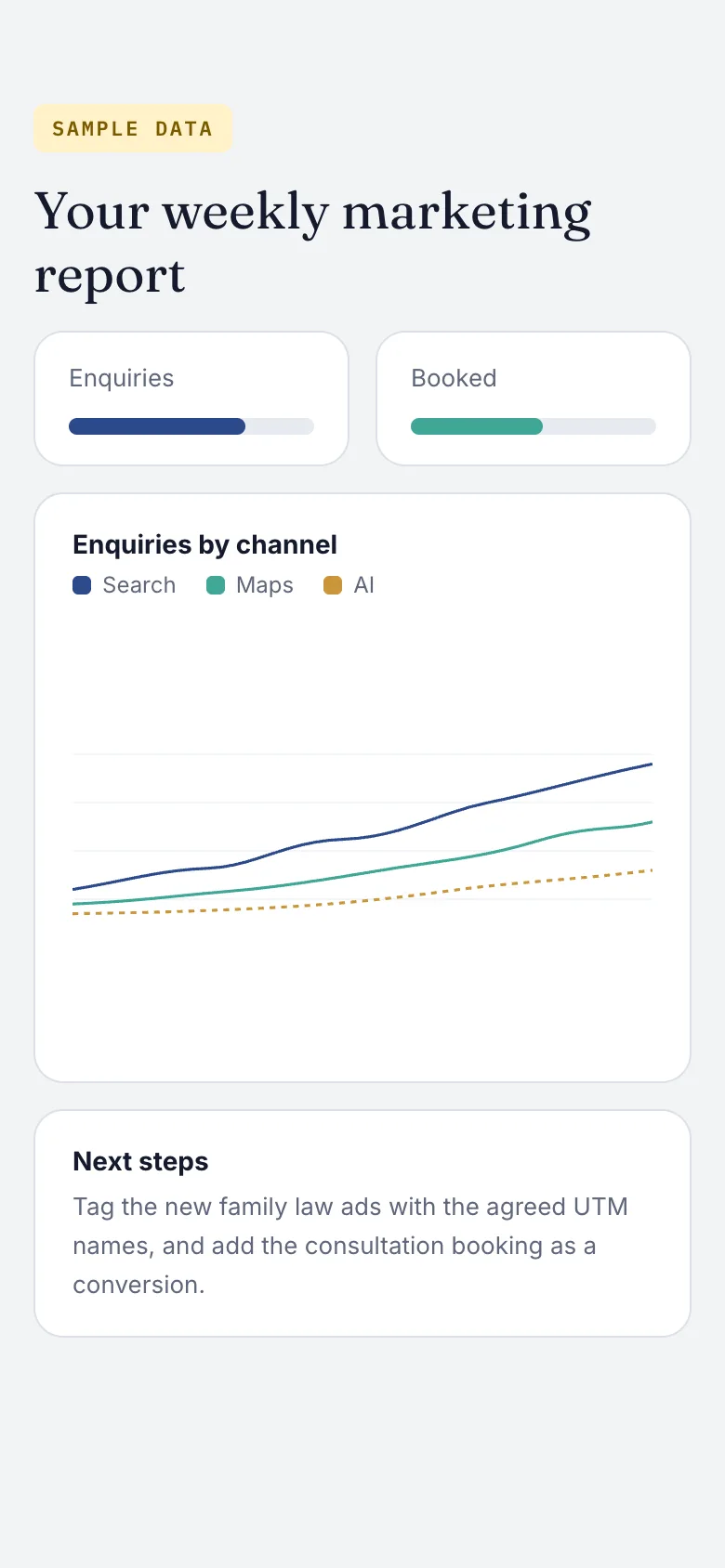
A law firm can spend on Google Ads, directories, SEO and social at the same time, and still not know which one brought the clients. This is how we set up tracking that follows an enquiry from first click to signed client, including enquiries that start in an AI assistant.
Most small firms have Google Analytics installed but trust none of it. Form submissions are counted twice or not at all, phone calls aren’t tracked, and the numbers in the ads account never match the enquiries the team actually received.
Analytics, the ads account and the case-management system all disagree.
Most first contact is a phone call, and none of it is tied to a channel.
Visits from ChatGPT and Perplexity are lumped into “referral” or “direct”, so nobody can see them grow.
Foundation first, in this order, so each step makes the next one work harder.
Every form, call button and booking step tested, and every gap written down.
A clean setup with the events that matter: enquiries, calls, consultations booked.
Conversions sent from the server, so they survive ad blockers and cookie limits, within consent rules.
One naming system for every link the firm shares, so every campaign lands in the right row.
One page the partners can read in two minutes: enquiries, cost and clients by channel.
Tracking the partners can trust, and a dashboard that answers the question they actually ask.
What was tracked, what was double-counted and what was missing, with each fix ranked by how much it changes the picture.
A one-page rule sheet so every ad, email and post is tagged the same way, by anyone on the team.
utm_source   = google | meta | linkedin | newsletter | chatgpt
utm_medium   = cpc | paid-social | email | referral | organic-ai
utm_campaign = [practice-area]-[offer]-[month]
             e.g. family-law-free-consultation-2026-11

One sheet, one spelling. Every link in every ad, email and post follows it.Visits from ChatGPT, Perplexity, Gemini and Copilot grouped as their own channel, so the firm can see AI search grow month by month.
Enquiries, consultations and new clients by channel, with cost per client where spend is known, updated automatically.
These are the numbers in the monthly report, each measured against the baseline from the first audit.
Start with a free audit, then see exactly what we’d build and in what order.
Free audit firstNo obligationPlain-English results